What I’ve Been Up To in OpenClaw 🦞 Lately

[toc]
Setup & Usage Stats
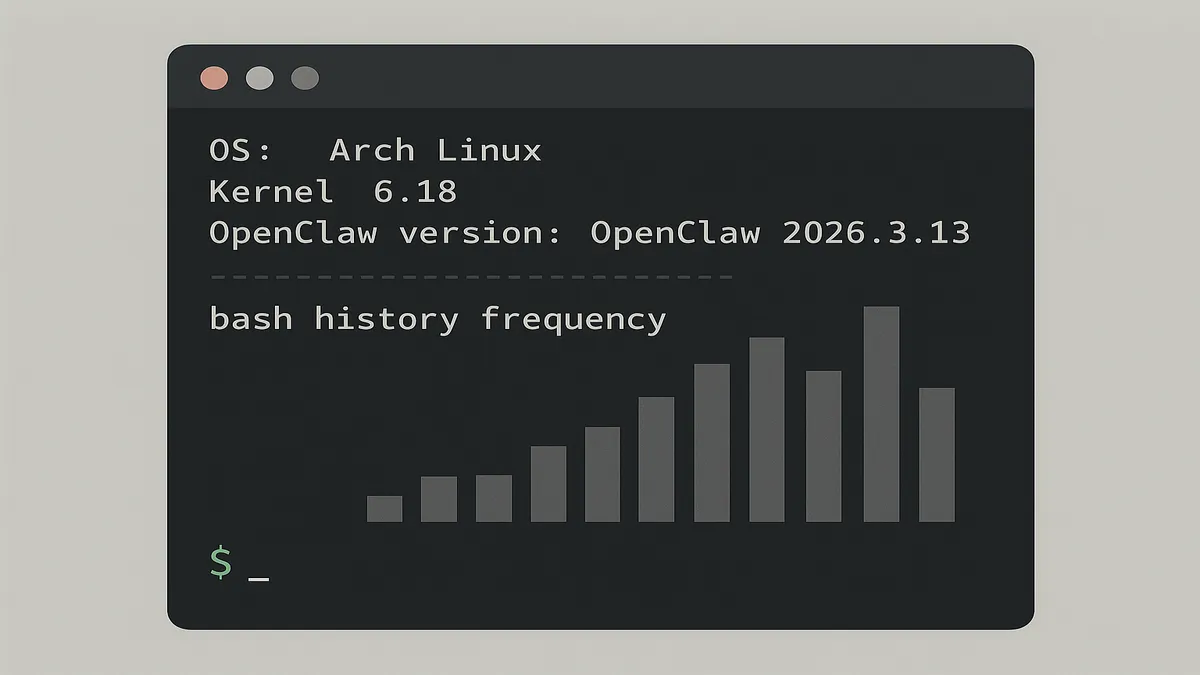
Heads up: my 🦞 OpenClaw runs in the cloud, not local! No GUI here — TUI only, baby.
| item | spec |
|---|---|
| OS | Arch Linux, kernel 6.18 |
🦞 openclaw --version | OpenClaw 2026.3.13 (61d171a) |
grep HISTSIZE ~/.bashrc spits out export HISTSIZE=10000, meaning ~/.bash_history holds up to 10000 lines. Based on the command below, I’ve typed openclaw about 1000 times and clawhub around 220 times in the past few weeks — dude, I live in this thing.
grep openclaw ~/.bash_history | wc
    997    3252   36777
The Commands I Actually Use
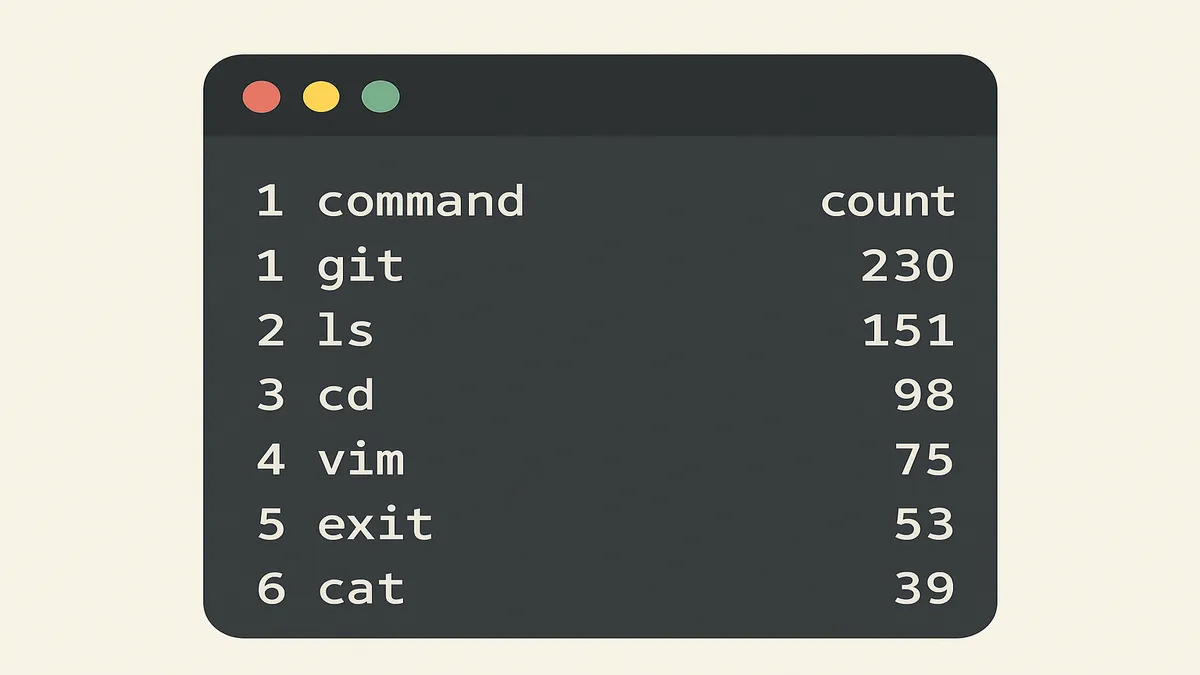
This output is kinda hilarious — my most-used openclaw commands, ranked like a leaderboard:
history | sed 's/^[ ]*[0-9]\+[ ]*//' | grep '^openclaw' | sort | uniq -c | sort -rn
    158 openclaw gateway restart
     27 openclaw tui
     20 openclaw models list
     17 openclaw status
     15 openclaw models
     11 openclaw doctor
      9 openclaw models list --provider openai
      8 openclaw skills check
      7 openclaw skills list
      7 openclaw config get agents.defaults.models
      6 openclaw config get gateway.auth.token
      6 openclaw config get agents.defaults.model.primary
      5 openclaw configure --section web
      4 openclaw skills list --eligible
      4 openclaw plugins list
      4 openclaw models status
      4 openclaw models list --all | grep gemini
      4 openclaw channels list
      ...
All command line, all day. Let me break down the hit parade:
openclaw gateway restart: restart the gatewayopenclaw models list: list configured models (used this a ton while wiring upimageModel)openclaw skills check: see which SKILLs are enabledopenclaw skills list: see all available SKILLsopenclaw config get agents.defaults.models: check which models the current project uses, includingimageModel— you can set multiple to handle different tasks like text and image separatelyopenclaw config get agents.defaults.model.primary: check the global Primary modelopenclaw plugins list: list installed Plugins, like authentication onesopenclaw channels list: list configured channels, like Telegram, WhatsApp, Discord
Managing SKILLs on Clawhub
The stuff on clawhub.ai is a mixed bag, so I said screw it and write all my own SKILL.md files. Here’s what I actually run on clawhub:
history | sed 's/^[ ]*[0-9]\+[ ]*//' | grep '^clawhub' | sort | uniq -c | sort -rn
     38 clawhub list
     10 clawhub login --token "clh_!@#$%^&..."
      9 clawhub sync --all
      8 clawhub update --all
      7 clawhub -h
      5 clawhub install blog-polish-zhcn-images --force
      4 clawhub update blog-image-embedder
      3 clawhub list --all
      2 clawhub whoami
      2 clawhub --version
      2 clawhub update blog-polish-zhcn-images
      2 clawhub update blog-polish-zhcn
      2 clawhub uninstall blog-writer
      2 clawhub search "search"
      2 clawhub publish ~/.openclaw/workspace/skills/blog-polish-zhcn/ --version 1.0.
...install, uninstall, update, list — no lecture needed, you know the drill. The rest:
clawhub login --token "clh_...": log in without a browser — perfect for pure CLI environmentsclawhub search "search": hunt for SKILLs with specific functionality, like DuckDuckGo Searchclawhub publish ~/.openclaw/workspace/skills/blog-polish-zhcn/ --version 1.0.: needs the full path when publishing, don’t forget it
Config Files & Backup Strategy
~/.openclaw/openclaw.json is the brain of OpenClaw — every config option lives here. Corrupt this file and your agent won’t even wake up. Use commands to tweak things whenever possible; only crack open nvim as a last resort:
# set primary model
openclaw config set agents.defaults.model.primary "openai/gpt-5-mini"
# set project model
openclaw config set agents.defaults.models "openai/gpt-image-1-mini"
# set imageModel
openclaw config set agents.defaults.imagemodel "openai/gpt-image-1-mini"
Backup tips:
- Daily backup:
cp ~/.openclaw/openclaw.json ~/.openclaw/openclaw.json.0319 - Sync from cloud to local (
--deletekeeps it in sync with remote):
echo "backup OpenClaw Entire Dir"; rsync REMOTE_SERVER:/home/user/.openclaw/ /home/user/Downloads/openClawBackup/ -P --archive --delete- Always back up before making changes, then run
openclaw gateway restartto verify things still work - Go easy on
openclaw doctor --fix— runopenclaw doctorfirst to see what’s actually broken. The--fixflag can nuke all configs tied to syntax errors, and that’s a rough day
tag: #openclaw #lobster #opensource #linux #arch #ai #clawhub #community