How to Play with SOUL.md in Hermes Agent
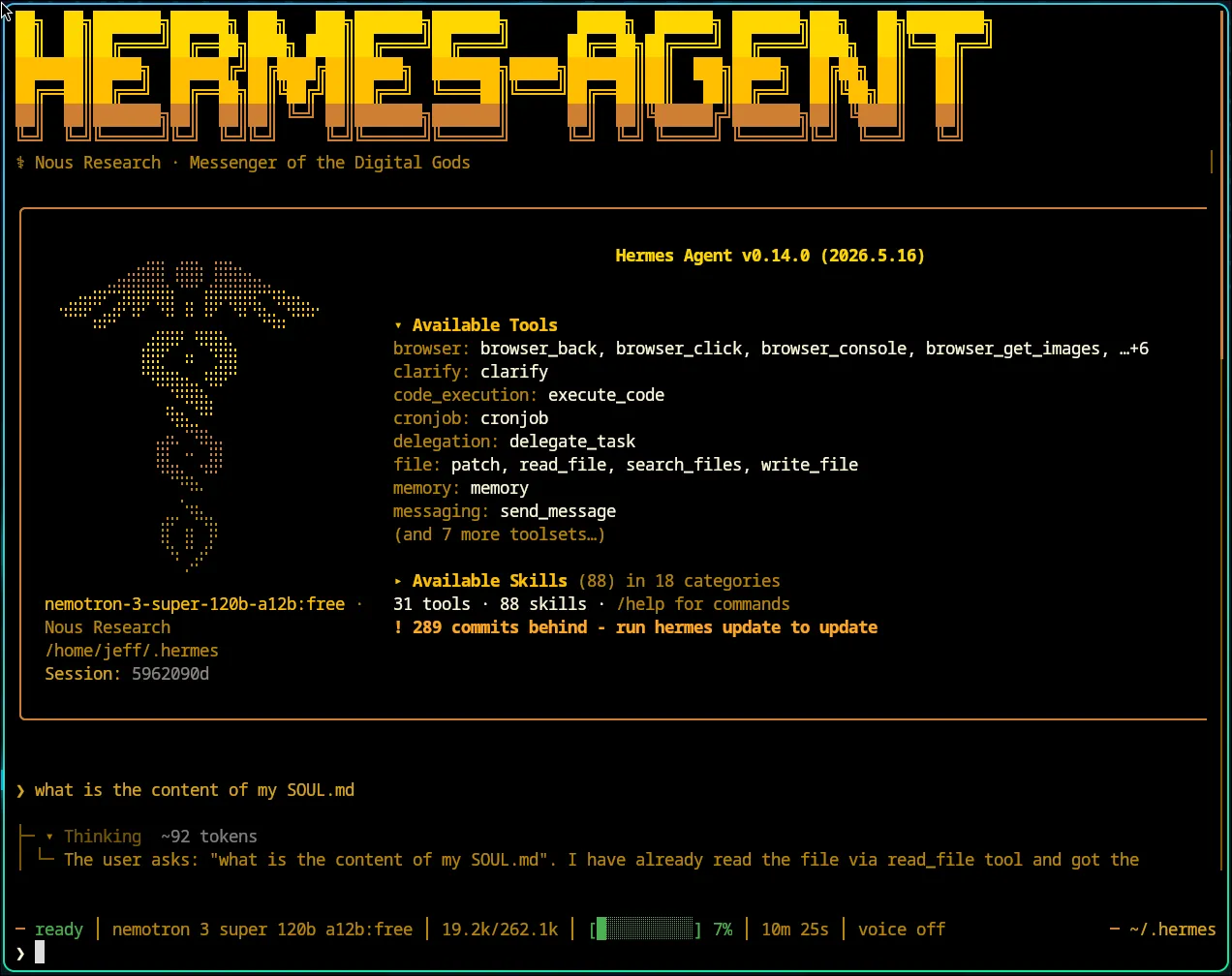
At a glance
- File:
~/.hermes/SOUL.md(or$HERMES_HOME/SOUL.md) — instance-wide persona, not per-repo. - Role: Agent identity (voice, tone, boundaries). Facts and project rules belong in
MEMORY.md/ project context files. - Reload: Edits apply when a new session starts (cached system prompt is built at session start).
- Verify:
cat ~/.hermes/SOUL.md; start a fresh session; usehermes dumporhermes doctorif behavior still looks wrong.
Practically using SOUL.md in the Hermes Agent (v0.13+, as of May 2026) means defining the agent’s core identity, tone, and boundaries. That content becomes the agent identity block—the first section of the cached system prompt, before tool guidance, memory snapshots, skills, and project context—so it anchors behavior across sessions. Edit the file at ~/.hermes/SOUL.md (or $HERMES_HOME/SOUL.md) directly. Unlike MEMORY.md, which is episodic, SOUL.md is persistent “personality as infrastructure” that survives across sessions and dictates who the agent is.
Note:
SOUL.mdis for persona and enduring values; useAGENTS.mdin your repo for daily operational rules. CLI flags, plugin names, and commands can change by release—confirm withhermes helpand your version’s release notes.
File structure & hierarchy
| Feature | Location | Scope | Notes |
|---|---|---|---|
SOUL.md | ~/.hermes/ | Instance-wide persistent identity | Auto-seeded on first run if missing |
AGENTS.md | Project (CWD at startup) | Project rules, conventions, architecture | You create this; most common project context file |
/personality | Chat session | Temporary mode switch | Does not change SOUL.md |
USER.md | ~/.hermes/memories/ | Who you are (not the agent) | Injected context snapshot |
Optional project files (not created by default): Hermes can also load .hermes.md or HERMES.md if you add one in a repo (walks up to git root; highest priority among project-context types, ahead of AGENTS.md). A standard install does not place these files anywhere—you will not see them unless you create them. On a typical machine you only have ~/.hermes/SOUL.md plus AGENTS.md in projects where you added it.
Project-context priority (first match wins; only one type per session): .hermes.md / HERMES.md → AGENTS.md → CLAUDE.md → .cursorrules / .cursor/rules/*.mdc. See Context Files.
SOUL vs overlays: SOUL.md is your durable default everywhere. /personality only adjusts the current session’s system prompt and does not rewrite SOUL.md.
1. Initial setup: create your SOUL
Hermes seeds a default SOUL.md at ~/.hermes/SOUL.md if none exists (existing files are never overwritten).
Open it and write plain Markdown—roughly 3–5 sentences covering:
- Role (e.g., “You are an aggressive Python optimization bot”)
- Tone (e.g., “Be concise, use technical jargon; push back bluntly on vague asks”)
- Boundaries (e.g., “Never suggest ChatGPT; prefer local models”)
Minimal starter: You are [role]. Communicate [tone]. Never [hard boundary]. When uncertain, [default behavior].
After editing: exit and start a new Hermes session (or restart the CLI/gateway). SOUL is read when the cached system prompt is assembled at session start—not on every message mid-session.
Very large SOUL files may be truncated after security scanning (Hermes caps injected context size).
2. Core practical workflows
- Manual persona customization: Hand-edit with any Markdown editor. Aim for stable voice guidance, not project facts.
- Automated generation: If the Soul Forge plugin is installed, generate a
SOUL.mdfrom templates (“Code Architect,” “Patient Tutor”) or from a plain-English description. - Active feedback loop: Hermes can update its own
SOUL.md(e.g., “You’re too formal—adjust your soul to be more casual”). Review diffs and keep a backup copy before relying on self-edits. - Session overlays:
/personalityapplies temporary system-prompt presets without changing your global soul. - Instance profiles:
hermes profile create(optionally--clone) gives separateHERMES_HOMEdirectories, each with its ownSOUL.md.
3. Practical “play” scenarios
- Persona switch: A “Critical Code Reviewer” profile and a “Creative Writer” profile—each with its own
SOUL.mdunder its profile home—viahermes profile create --clone. - Memory habit (not content in SOUL): Prefer storing project status in
MEMORY.md. In SOUL, describe how to use memory (e.g., “Before guessing project state, check memory tools orMEMORY.md”) rather than pasting file paths as facts. - Refusal training: In SOUL.md: “If I ask you to write JavaScript, refuse and remind me we are a Python-only team.”
- Tone generator: In SOUL.md: “Always start with a 5-word summary, then bullet points, and do not use emojis.”
4. Iterative evolution (self-improving loop)
- Correction: After a bad response: “That was too verbose. Update your SOUL.md to be more concise in the future.”
- Skill integration: Paste durable voice/decision-style guidance from a skill (e.g., Cursor
SKILL.md) intoSOUL.md, or install equivalent Hermes skills—keep SOUL for identity, skills for repeatable workflows.
5. Debugging & testing
- Check the file:
cat ~/.hermes/SOUL.md— confirm you edited the instance home, not a repo-local copy (Hermes does not loadSOUL.mdfrom the working directory). - Confirm instance:
hermes dump— showshermes_home, profile, and config summary (CLI reference). There is nohermes agentsubcommand. - Config health:
hermes doctor— surfaces missing config, path, or dependency issues. - Behavior check: Start a new session, then chat; if voice is still wrong, check whether a
/personalityoverlay is active or the file is empty/truncated/scanned.
Official troubleshooting: Use SOUL.md with Hermes · Personality & SOUL.md · Prompt assembly
Practical refinement tips
- Avoid overlap: Keep factual knowledge and project details in
MEMORY.mdorAGENTS.md. The soul is for how the agent thinks and speaks, not what it knows. - Set hard boundaries: Use the soul for what the agent will never do (e.g., “Never use emojis,” “Never suggest cloud-based solutions”).
- Instance profiles: For entirely different agents (e.g., “Researcher” vs. “Developer”), use
hermes profile create. Each profile keeps its ownSOUL.mdin its respective home directory.